

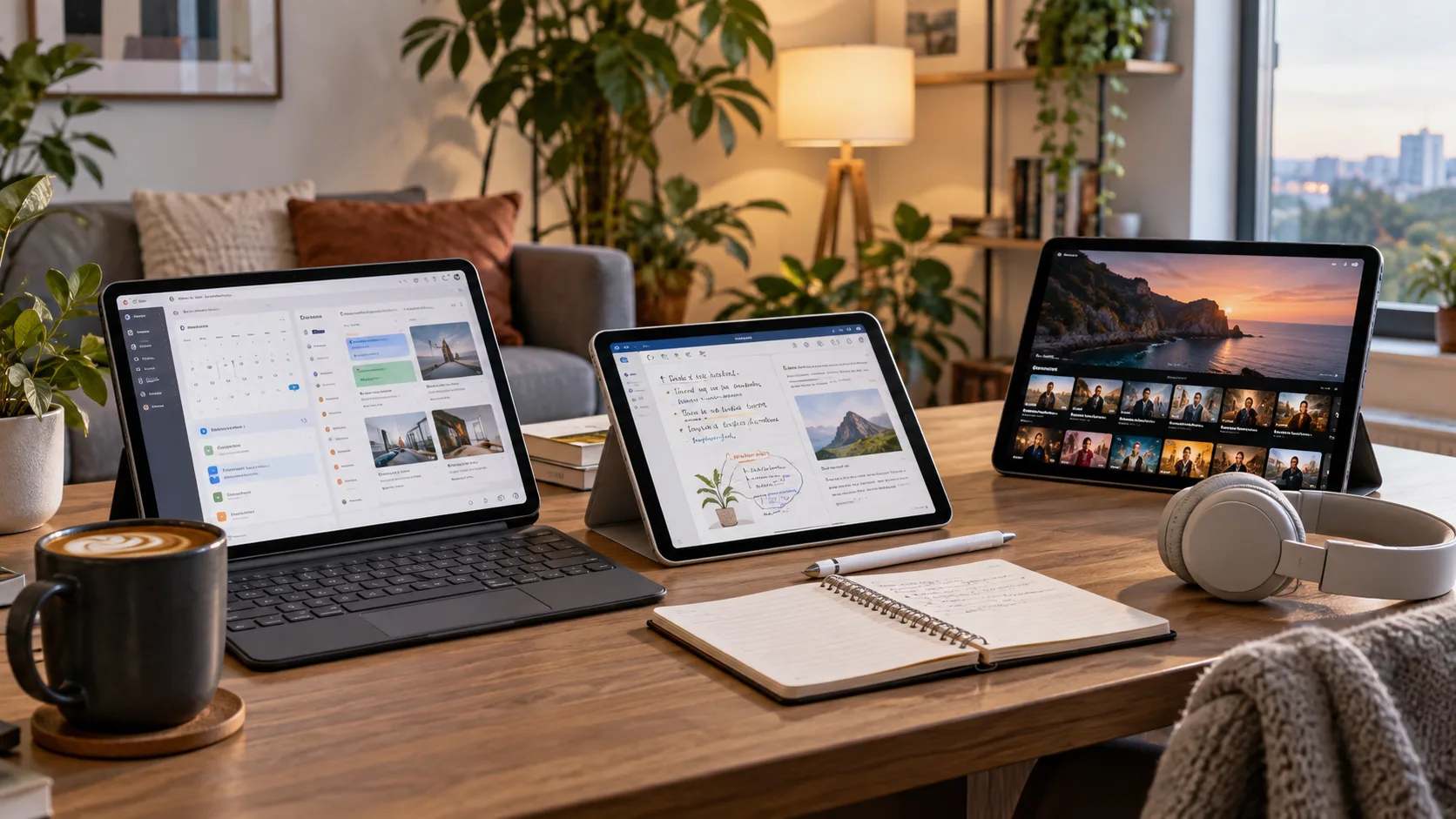
Tablets have evolved from simple media devices into versatile tools for productivity, learning, communication, and entertainment. The best tablets for work, study and entertainment can handle documents, video meetings, digital notes, online classes, streaming, gaming, and creative applications without requiring users to carry a traditional laptop everywhere. Choosing the right model depends heavily on how you plan to use it.
Modern tablets are available across a wide range of prices, screen sizes, operating systems, and performance levels. Some are designed mainly for watching videos and browsing, while others support keyboards, digital pens, desktop-style multitasking, and demanding professional applications. Understanding these differences helps you avoid paying for features you may never need.
A strong tablet should balance performance, battery life, display quality, portability, storage, and software support. Students may prioritize note-taking and affordability, professionals may need multitasking and accessories, while entertainment-focused users may care more about display and speakers. This guide explains the key factors that can help you choose confidently.
Why Tablets Are Great for Everyday Productivity
Tablets offer a practical middle ground between smartphones and laptops. They provide larger displays for reading, editing documents, attending meetings, and managing everyday tasks while remaining lighter and easier to carry than most notebooks. For users who frequently move between classrooms, offices, coffee shops, or different rooms at home, that portability can make daily work more convenient.
Touch controls also make certain activities faster and more natural. You can annotate PDFs, sign documents, sketch ideas, highlight notes, or navigate presentations directly on the screen. When paired with a compatible keyboard or stylus, many modern tablets become capable productivity devices that support writing, research, project planning, and communication.
Another advantage is their quick startup and long standby time. Instead of waiting for a traditional computer to boot, you can often unlock a tablet and continue working within seconds. The best tablets for work, study and entertainment provide this convenience without sacrificing the performance needed for normal everyday applications.
Best Tablets for Professional Work
Professionals should prioritize strong multitasking performance, reliable software, and accessory support when choosing a tablet. Email, spreadsheets, presentations, video meetings, cloud platforms, and project management applications can all run smoothly on a capable device. A larger screen also makes split-screen work easier when you need to reference information while writing or communicating.
Keyboard compatibility can dramatically improve productivity for users who type frequently. A well-designed detachable keyboard can make a tablet suitable for writing reports, answering emails, updating spreadsheets, and creating presentations. Some premium tablets also support trackpads, external monitors, and desktop-style interfaces, giving professionals a more familiar working environment.
Storage and connectivity also deserve attention. Professionals handling large presentations, offline files, photos, or business documents may benefit from 256GB or more of storage. Wi-Fi performance, optional cellular connectivity, USB-C support, and compatibility with external storage can make a tablet far more flexible when working away from a traditional desk.
Best Tablets for Students and Online Learning
Students often benefit from tablets because they combine textbooks, notebooks, research tools, and entertainment in one lightweight device. A good student tablet can support online classes, educational videos, reading assignments, presentations, and digital note-taking. It also reduces the need to carry multiple books and notebooks throughout the school or university day.
Stylus support is especially useful for students who prefer handwritten notes. Digital pens can be used to annotate lecture slides, solve equations, sketch diagrams, and organize notes directly on the screen. Many note-taking applications also allow handwritten content to be searched, categorized, synchronized, and backed up, making revision and exam preparation more organized.
Battery life matters because students may spend long hours in classrooms or libraries without easy access to charging points. A tablet that comfortably lasts through lectures, research sessions, and study time is much more practical. Students should also consider storage, keyboard options, learning applications, and cloud synchronization before making a final decision.
Best Tablets for Movies, Streaming, and Entertainment
Entertainment-focused users should place display quality near the top of their priority list. A bright screen with good contrast, accurate colors, and sharp resolution can noticeably improve movies, YouTube videos, TV shows, and casual gaming. Larger tablets provide a more immersive experience, while compact models are easier to hold during long viewing sessions.
Speaker quality is another important factor that is sometimes overlooked. Tablets with stereo or multi-speaker systems can provide clearer dialogue, stronger volume, and a wider soundstage than basic devices. Headphone compatibility and Bluetooth support also matter if you regularly use wireless earbuds or external speakers while streaming content.
Storage becomes important for travelers who download movies, music, games, or shows for offline use. Streaming itself does not require much local storage, but downloaded media can quickly consume available space. The best tablets for work, study and entertainment balance strong media features with enough storage for applications and personal files.
What Tablet Specifications Matter Most?
The processor determines how smoothly a tablet handles applications, multitasking, games, and creative software. Basic chips may be perfectly suitable for reading, browsing, streaming, and email, while stronger processors provide better performance for video editing, advanced productivity, gaming, and demanding applications. Buying more power than necessary can increase the price without improving your daily experience.
RAM also affects multitasking and overall responsiveness. Tablets with more memory can keep additional applications active and switch between them more smoothly. For basic use, moderate memory is usually sufficient, but professionals, gamers, and creative users should consider higher-memory configurations if they expect to run several demanding applications throughout the day.
Storage capacity should reflect your habits. Users who depend mainly on cloud services and streaming may be comfortable with smaller capacities, while people storing videos, games, photos, coursework, and large applications need additional space. Expandable storage is available on some tablets, but many premium models require you to choose the correct capacity at purchase.
Android, iPadOS, or Windows: Which Is Better?
Android tablets provide flexibility across many price levels, making them suitable for both budget-conscious buyers and premium users. They work particularly well with Google services, streaming applications, productivity tools, and general entertainment. Some manufacturers also offer desktop-style modes that improve multitasking when the tablet is connected to a keyboard or external display.
iPadOS is known for its broad selection of tablet-optimized applications and strong integration with other Apple devices. It supports professional creative tools, productivity software, digital drawing, video editing, and excellent note-taking applications. Users already working within the Apple ecosystem may appreciate features that allow files, messages, photos, and tasks to move smoothly between devices.
Windows tablets are useful when traditional desktop applications are essential. They can provide a more laptop-like experience for professionals who need specific Windows software, file management, or business tools. However, they may sometimes sacrifice battery efficiency or simplicity compared with mobile-focused platforms, so your required applications should guide the choice.
Display Size and Quality for Work and Study
A larger display can make multitasking, reading, and document editing considerably more comfortable. Tablets around 11 inches often provide a useful balance between portability and workspace, while larger screens can be better for spreadsheets, design work, presentations, and split-screen applications. Smaller tablets remain attractive for reading, travel, and casual entertainment.
Resolution influences how sharp text, images, and videos appear. A higher-resolution screen can reduce eye strain when reading small text and provide more detail when editing images or watching high-quality video. Display brightness also matters if you expect to use the tablet outdoors, near windows, or in brightly lit classrooms and offices.
Refresh rate is another feature worth considering, especially for gaming, drawing, and smooth scrolling. Higher refresh rates make movement appear more fluid and can improve stylus responsiveness. However, casual users may not need an advanced display, so it is better to prioritize overall screen quality rather than paying extra solely for impressive specifications.
Battery Life, Charging, and Portability
Battery life is one of the strongest reasons many people choose tablets instead of larger computers. Efficient processors and lightweight operating systems can allow tablets to remain useful throughout a workday, study session, or long journey. Real-world endurance still depends on screen brightness, gaming, video calls, streaming, and the applications you use.
Charging speed also affects convenience. Fast charging can provide several additional hours of use during a short break, which is valuable for students and professionals with busy schedules. USB-C charging is particularly useful because one charger may work with several modern devices, reducing the number of adapters you need to carry.
Weight should not be ignored, especially if you plan to hold your tablet for reading or transport it every day. Larger models offer more screen space but can become uncomfortable during extended handheld use. Adding keyboards and protective cases also increases weight, so consider the complete setup rather than looking only at the tablet itself.
Keyboards, Styluses, and Useful Tablet Accessories
A keyboard can transform a tablet from a consumption device into a much more capable productivity tool. Students can write assignments, professionals can prepare reports, and remote workers can communicate more efficiently. Before purchasing, check whether the keyboard connects magnetically, uses Bluetooth, includes a trackpad, and offers comfortable key spacing for longer typing sessions.
Styluses are valuable for note-taking, drawing, document markup, and creative work. Some tablets include a pen, while others require one to be purchased separately. Pressure sensitivity, palm rejection, charging method, and application compatibility can influence how natural the writing or drawing experience feels, especially for students, designers, and digital artists.
Protective cases, stands, hubs, and external storage can further improve usability. A stand provides better viewing angles for meetings and movies, while a USB-C hub may add HDMI, memory cards, or additional ports. Avoid purchasing unnecessary accessories immediately; start with the tools that directly support your everyday tasks and expand your setup when needed.
Storage and Connectivity for Everyday Tablet Users
Choosing enough storage helps prevent frustration as applications, photos, documents, and downloaded media accumulate. A basic capacity may suit users who mainly browse and stream, but students and professionals often benefit from additional room. Games and creative applications can be especially large, making storage planning important for long-term usability.
Cloud storage can reduce dependence on local capacity by keeping documents and photos accessible across multiple devices. Services such as cloud drives also make collaboration, file sharing, and automatic backups easier. However, reliable internet access is necessary for cloud-based workflows, so keeping important files available offline can still be useful.
Connectivity options should match how and where you work. Wi-Fi models are usually less expensive, while cellular tablets allow internet access without depending on public networks or phone hotspots. Bluetooth support is useful for keyboards, headphones, and accessories, while USB-C can connect storage drives, displays, chargers, and other peripherals.
Should You Buy a Tablet or a Budget Laptop?
Tablets are generally better for portability, touch interaction, reading, digital handwriting, streaming, and casual applications. They can also provide excellent battery life and are convenient for people who frequently work while moving. With the right keyboard and software, many tablets can handle a surprisingly broad range of productivity tasks.
Laptops remain stronger for workloads that involve extensive typing, complex spreadsheets, desktop software, programming, advanced file management, or multiple external devices. If these tasks describe your daily routine, comparing the best budget laptops may help you determine whether a traditional computer provides better overall value than a tablet.
The decision ultimately depends on your workflow rather than which device category appears more modern. Some users even benefit from owning both, using a laptop for demanding work and a tablet for reading, meetings, travel, and entertainment. Think carefully about the software you need before choosing one device over another.
How to Choose the Right Tablet for Your Needs
Start by identifying the tasks you perform most frequently. A student taking notes has different requirements from a designer creating illustrations, a professional managing documents, or someone mainly watching movies. Creating a short list of essential activities makes it easier to eliminate devices that either lack important features or provide unnecessary power.
Next, compare complete configurations rather than focusing only on the processor or brand name. Consider the display, RAM, storage, battery life, accessory costs, software support, and available ports. A slightly less powerful tablet with better battery life and included accessories may provide greater everyday value than a faster device requiring several expensive additions.
Finally, think about how long you expect to keep the device. Software updates, build quality, battery performance, and available storage can influence how useful a tablet remains over several years. The best tablets for work, study and entertainment should meet your current needs while offering enough capability to remain practical as your workload grows.
Conclusion
Choosing the right tablet becomes much easier when you match the device to your actual daily routine. Work users should focus on multitasking, keyboards, connectivity, and software compatibility, while students may value portability, battery life, stylus support, and affordable pricing. Entertainment users should prioritize display quality, speakers, storage, and comfortable handling.
Specifications matter, but the most expensive tablet is not automatically the right choice. A balanced device with sufficient performance, good battery life, dependable software, and suitable accessories will often provide better value than a premium model filled with features you rarely use. Understanding your priorities helps you avoid unnecessary spending.
The best tablets for work, study and entertainment provide flexibility without making everyday tasks complicated. Compare operating systems, screen sizes, storage options, accessories, and expected performance before purchasing. With the right combination of features, a good tablet can become a valuable device for productivity, learning, communication, creativity, and relaxation.
FAQs
Is a tablet good enough for work?
Yes, a capable tablet can handle email, documents, presentations, video meetings, project management, and cloud applications. Adding a keyboard makes it much more practical for professionals who regularly type.
How much storage should a student tablet have?
For basic coursework and cloud-based files, 128GB may be sufficient. Students downloading videos, large applications, games, or creative projects should consider 256GB or expandable storage for greater flexibility.
Can a tablet replace a laptop for studying?
A tablet can replace a laptop for reading, research, note-taking, online classes, and basic assignments. Students using specialized desktop software, programming tools, or advanced applications may still benefit from a laptop.
Which screen size is best for a tablet?
Around 10 to 11 inches provides a strong balance between portability and comfortable viewing. Larger displays work better for multitasking and creative work, while smaller tablets are easier to carry and hold.
Are expensive tablets worth buying?
Premium tablets can be worthwhile for demanding creative work, advanced multitasking, gaming, or long-term professional use. Casual users can usually get excellent everyday performance from more affordable mid-range models.

