

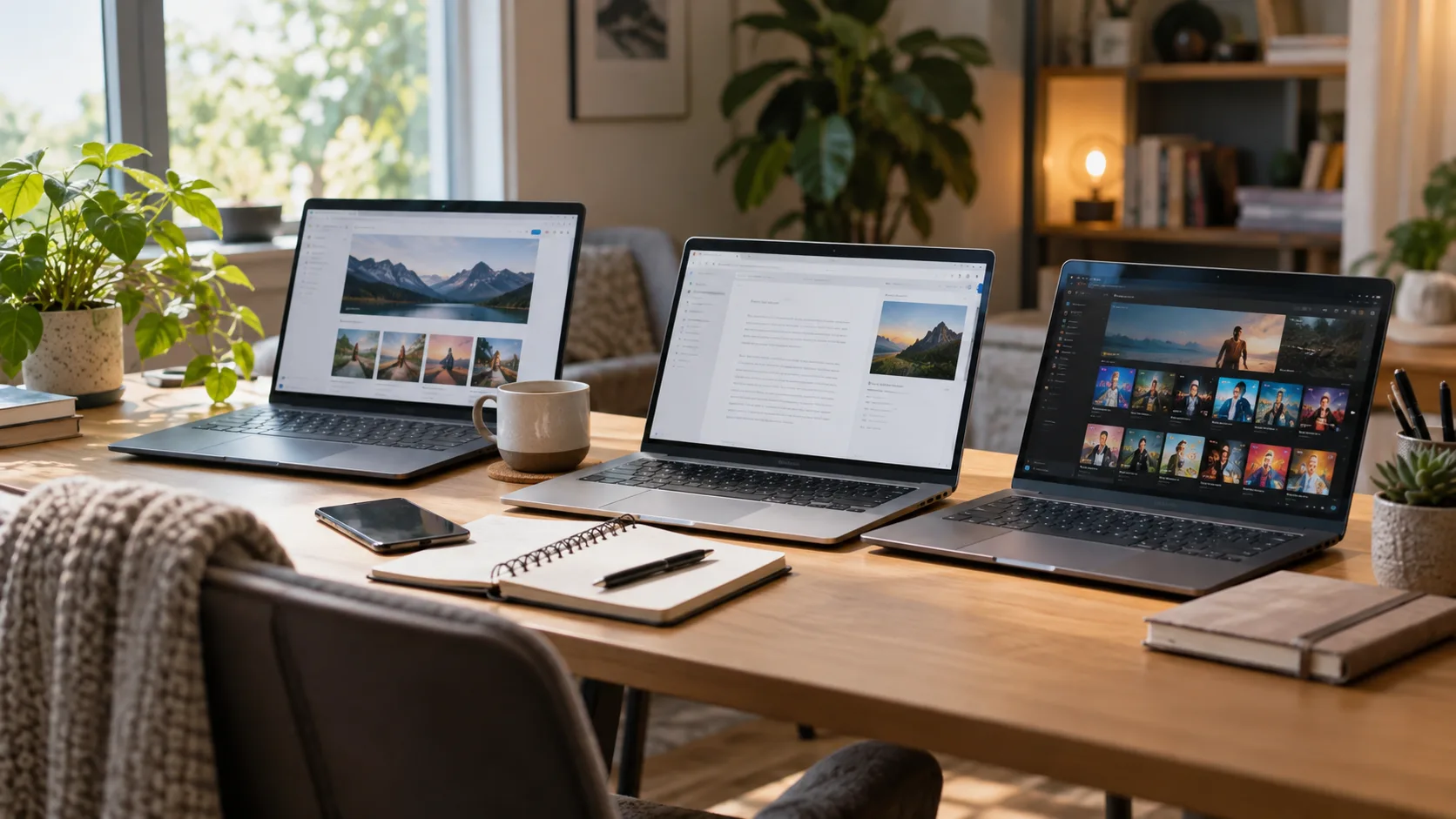
Finding a reliable laptop does not have to mean spending a huge amount of money. The best budget laptops for everyday use can comfortably handle browsing, school assignments, office documents, video calls, streaming, and other common tasks. The key is knowing which specifications actually matter and which expensive features you can safely skip.
Budget laptops have improved significantly, giving everyday users better displays, faster storage, longer battery life, and more capable processors than older entry-level machines. However, not every inexpensive laptop offers the same experience. A very low price can sometimes mean slow performance, limited storage, weak build quality, or a poor screen that becomes frustrating over time.
This guide explains how to choose the right affordable laptop based on performance, portability, battery life, display quality, and your daily workload. Whether you need a laptop for study, remote work, entertainment, or general home use, understanding the basics will help you spend wisely and avoid paying for features you do not need.
What Makes a Budget Laptop Good for Everyday Use?
A good budget laptop should feel responsive during normal daily activities rather than simply having the lowest price tag. Opening browser tabs, working in Microsoft Office, checking email, joining video meetings, and streaming videos should happen smoothly. A balanced combination of processor, memory, storage, and display quality matters more than one impressive specification.
For most people, an affordable laptop with at least 8GB of RAM and solid-state storage provides a much better experience than older systems using limited memory and traditional hard drives. SSD storage helps the laptop start faster, open applications more quickly, and remain responsive during multitasking. Even a modest processor feels considerably better when paired with fast storage.
Build quality should also influence your decision because an everyday laptop may be opened, closed, moved, and carried frequently. Strong hinges, a comfortable keyboard, and a sturdy chassis can make an inexpensive computer feel more dependable. The best budget laptops for everyday use balance price and durability rather than cutting costs in every possible area.
Best Budget Laptops for Students
Students usually need laptops that can manage research, online learning, assignments, presentations, video calls, and entertainment without becoming difficult to carry. A lightweight 13-inch to 15-inch laptop often provides the right balance between screen space and portability. Battery life is especially important for students who spend several hours away from a charger.
Performance requirements depend on the type of study involved. Students using web browsers, Google Docs, Microsoft Word, presentation software, and learning platforms generally do not need an expensive processor or dedicated graphics card. However, students studying programming, engineering, design, or video production may benefit from extra RAM and a stronger processor.
Storage should also receive attention because documents, downloaded lectures, videos, and applications can quickly consume space. A 256GB SSD is usually a practical starting point, while 512GB provides more flexibility for users who store larger files locally. Cloud storage can help, but relying entirely on an internet connection is not always convenient for students.
Best Budget Laptops for Work and Office Tasks
For everyday professional work, consistency matters more than high-end performance. A budget laptop used for spreadsheets, documents, email, project management tools, CRM platforms, and browser-based software should offer enough memory for comfortable multitasking. Eight gigabytes of RAM can handle basic workloads, while 16GB provides additional breathing room for heavier browser use.
Remote workers should pay particular attention to the webcam, microphone, wireless connectivity, keyboard, and battery. Video meetings have become a normal part of many jobs, so poor camera placement or weak audio can reduce the overall experience. A reliable Wi-Fi connection and useful ports for accessories can also make a low-cost laptop significantly more practical.
A comfortable keyboard becomes important when writing reports, responding to emails, or working for several hours each day. Look for reasonable key spacing, useful travel, and a trackpad large enough for easy navigation. The best affordable laptops for office work should support productivity without constantly reminding you that you purchased an inexpensive machine.
Best Budget Laptops for Browsing, Streaming, and Home Use
Many people mainly use laptops for browsing websites, watching YouTube or Netflix, shopping online, managing finances, checking social media, and communicating with family. These activities do not require expensive hardware, making them ideal for budget laptops. A modern entry-level processor combined with sufficient RAM can provide perfectly comfortable performance for typical home use.
Display quality matters more for entertainment-focused users because a dull or low-resolution panel can make videos less enjoyable. A Full HD screen is usually preferable when your budget allows, especially on 14-inch and 15-inch laptops. Good viewing angles and reasonable brightness are also valuable when multiple people occasionally watch content on the same device.
Speakers are another feature buyers sometimes overlook. Budget laptops rarely provide exceptional audio, but some models offer noticeably clearer voices and better volume than others. If entertainment is important, checking speaker placement, headphone support, and Bluetooth connectivity can help you create a much better experience without spending significantly more money.
Best Budget Laptops for Light Creative Work
Affordable laptops can handle basic photo editing, graphic design, social media content, and short video projects, but expectations should remain realistic. Creative software can demand more processing power and memory than ordinary office applications. Choosing 16GB of RAM and a newer mid-range processor can make light editing considerably smoother.
The display becomes especially important when working with images and graphics. A screen with decent color reproduction and Full HD resolution will provide a more accurate and comfortable workspace than a basic low-resolution panel. Professional photographers and designers may still need higher-end displays, but casual creators can accomplish plenty with a carefully selected budget laptop.
Integrated graphics are usually sufficient for Canva, basic Photoshop work, lightweight editing applications, and simple content creation. Dedicated graphics become more important for advanced video editing, professional 3D work, and demanding creative software. Understanding your actual workload prevents you from overspending on performance that your daily projects may never use.
Which Laptop Specifications Matter Most?
The processor is one of the first specifications buyers notice, but newer architecture often matters as much as the product name printed on the box. Modern Intel Core, AMD Ryzen, Apple silicon, and capable entry-level processors can all support everyday computing. You should compare the overall configuration rather than choosing a laptop based solely on processor branding.
RAM determines how comfortably your laptop handles several applications at once. Eight gigabytes is a sensible minimum for most general users, while 16GB is preferable for heavier multitasking, programming, creative software, and long-term use. Very low-memory systems can quickly become frustrating when several browser tabs and applications are running together.
Storage type is equally important. An SSD makes a noticeable difference in startup times, application loading, file transfers, and general responsiveness compared with older mechanical drives. For most buyers searching for the best budget laptops for everyday use, 256GB SSD storage provides a practical minimum, although 512GB offers greater flexibility if the price difference is reasonable.
Windows, Chromebook, or Another Laptop Platform?
Windows laptops offer the widest selection of affordable models and support a huge range of desktop applications. They are suitable for students, professionals, home users, programmers, and businesses that depend on traditional computer software. Windows is usually the safer choice when you need compatibility with specific programs, peripherals, or workplace applications.
Chromebooks can be excellent budget options for people whose work happens mainly inside a web browser. They are particularly useful for Google Docs, Gmail, online classes, streaming, cloud-based applications, and lightweight productivity. ChromeOS is simple and generally efficient, but users should confirm that any essential Windows-specific applications have suitable web or Android alternatives.
Other platforms may also make sense depending on pricing and your existing devices. Older or refurbished premium laptops can sometimes compete with brand-new budget machines, but battery condition, warranty coverage, and software support should be checked carefully. The best operating system is ultimately the one that supports the applications you actually need.
Battery Life and Portability Matter More Than You Think
Battery life can significantly influence how useful an affordable laptop feels in everyday situations. A computer that constantly needs a charger becomes inconvenient for students, travelers, remote workers, and anyone who moves between rooms. Manufacturers’ battery estimates can vary from real-world results, so consider the size of the battery alongside the efficiency of the hardware.
Portability involves more than weight alone. Laptop dimensions, charger size, screen size, and overall thickness affect how easily the computer fits into a backpack or work bag. A compact 14-inch laptop often provides an excellent balance between comfortable viewing and portability, while a 15-inch or 16-inch display may suit users who mainly work from one location.
You should also check whether important ports are available without requiring extra adapters. USB-A, USB-C, HDMI, audio connections, and memory card readers can be useful depending on your accessories. Thin laptops sometimes remove ports to reduce size, so choosing a slightly thicker machine can actually make everyday use easier and more convenient.
Can Budget Laptops Handle AI Tools and Modern Apps?
Many modern AI tools run primarily through websites or cloud platforms, meaning you do not necessarily need an expensive computer to use them. A reasonably modern budget laptop can access AI writing assistants, research platforms, productivity tools, chatbots, and browser-based image services. Strong internet connectivity and sufficient RAM often matter more than having dedicated graphics hardware.
Users interested in understanding how businesses and individuals are applying artificial intelligence can also explore different AI solutions and their practical applications. Cloud-based AI services process much of the demanding work on remote servers, allowing affordable laptops to access capabilities that once required powerful local hardware.
Running large AI models directly on the laptop is different because local processing can require substantial memory and computing power. Budget systems may struggle with advanced local models, professional rendering, or demanding machine-learning workloads. For normal everyday users accessing AI through websites and applications, however, a properly configured affordable laptop should remain perfectly capable.
How to Get the Best Value When Buying a Budget Laptop
Start by deciding exactly what you expect the laptop to do. Someone who mainly browses the internet and watches videos has very different requirements from a student learning programming or a professional working with large spreadsheets. Defining your workload makes it easier to avoid both underpowered machines and unnecessary upgrades.
Compare the complete configuration rather than focusing on discounts alone. A laptop that costs slightly more but includes additional RAM, better storage, a Full HD screen, and a stronger battery may provide considerably better long-term value. The cheapest model available is not always the most economical choice if you need to replace it sooner.
Sales, older-generation models, open-box devices, and manufacturer-refurbished laptops can provide excellent value when purchased carefully. Always check warranty coverage, battery condition, upgrade options, and return policies before buying. The best budget laptops for everyday use are usually those that meet your requirements comfortably while leaving enough performance for future needs.
Conclusion
Choosing a good affordable laptop becomes much easier once you focus on how you will actually use it. Most everyday users do not need premium processors, dedicated graphics, or huge amounts of storage. They need smooth performance, enough memory, reliable battery life, comfortable input devices, and a clear display.
For general computing, aim for a balanced machine with SSD storage, at least 8GB of RAM, dependable wireless connectivity, and a modern processor. Students, remote workers, and frequent multitaskers may benefit from 16GB of RAM and additional storage. Creative users should place more emphasis on display quality and processor performance.
The best budget laptops for everyday use are not necessarily the cheapest laptops on the shelf. They are the machines that deliver dependable performance without making you pay for hardware you will rarely use. Compare specifications carefully, prioritize your real needs, and choose a laptop that can remain comfortable and useful for several years.
FAQs
How much should I spend on a good budget laptop?
For everyday browsing, schoolwork, streaming, and office tasks, focus less on a fixed price and more on getting at least 8GB RAM, SSD storage, and a modern processor within your available budget.
Is 8GB of RAM enough for everyday laptop use?
Yes, 8GB is generally enough for browsing, documents, streaming, video calls, and basic multitasking. Consider 16GB if you regularly keep many applications or browser tabs open simultaneously.
Is 256GB SSD storage enough for a budget laptop?
A 256GB SSD is usually sufficient for documents, applications, and moderate personal storage. Choose 512GB if you keep large photo collections, videos, games, or creative project files locally.
Are Chromebooks good for everyday use?
Chromebooks work well for browsing, Google Workspace, online learning, streaming, and cloud-based productivity. They may be less suitable if your work requires specialized Windows desktop applications.
Can a budget laptop last several years?
Yes. A well-chosen budget laptop with sufficient RAM, SSD storage, solid build quality, and a modern processor can remain useful for years when your workload consists mainly of everyday computing tasks.

